The Two Giants of AI Art Generation
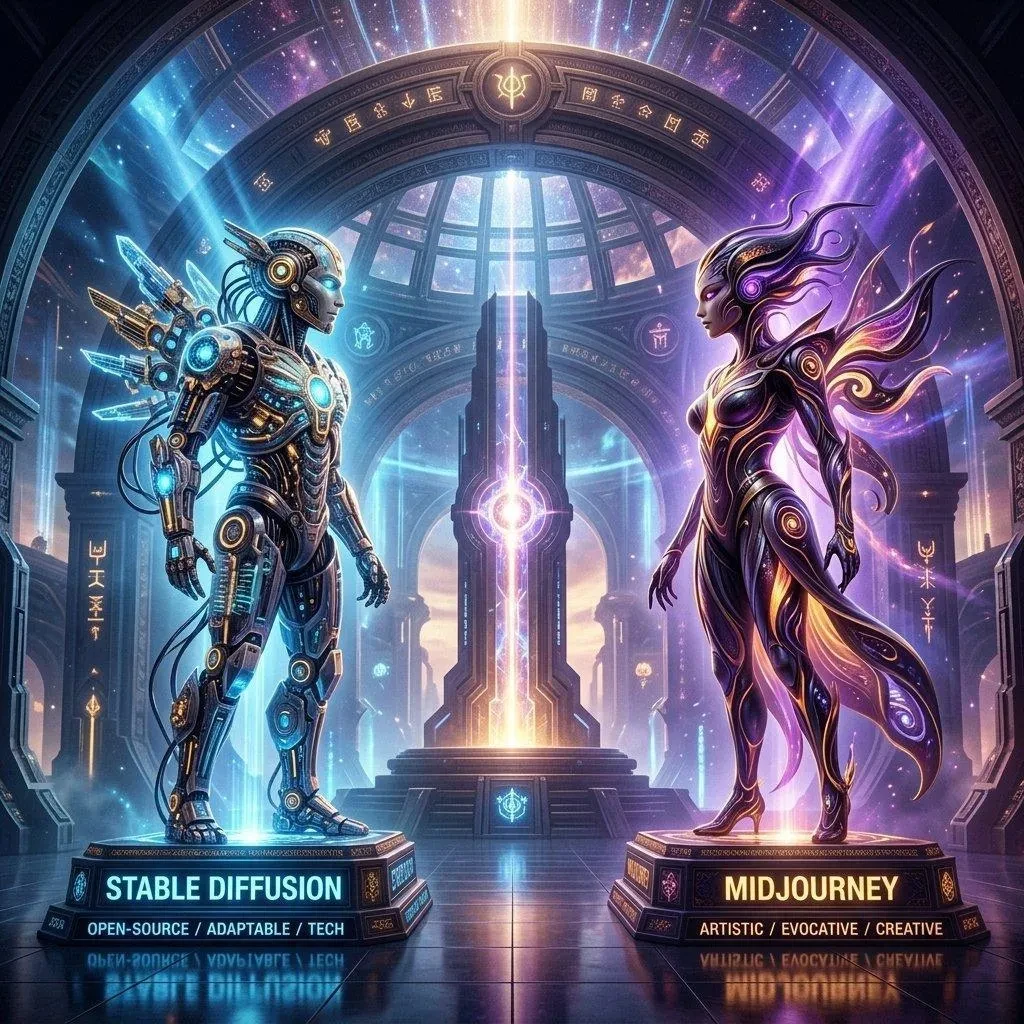
Midjourney and Stable Diffusion dominate the AI art landscape, but they operate very differently. Understanding the nuances between their prompt styles, capabilities, and ideal use cases is essential for any serious AI artist. This in-depth comparison will help you master both — and show you how to convert prompts between them effortlessly.
Fundamental Architecture Differences
Before diving into prompts, it's crucial to understand what makes these two tools fundamentally different:
- Midjourney: Closed-source, cloud-based, operates through Discord. Known for consistently beautiful, artistic outputs with minimal effort. Aesthetic quality is built into the model.
- Stable Diffusion: Open-source, can run locally on consumer hardware. Highly customizable through custom models (LoRAs, checkpoints), ControlNet, and inpainting. Requires more technical knowledge but offers unlimited creative control.
Prompt Syntax: Side by Side
Midjourney Prompt Structure
Midjourney prompts use natural language with trailing parameters:
a serene Japanese garden in autumn, red maple leaves, stone lantern, koi pond, golden hour lighting, cinematic composition --ar 16:9 --s 750 --v 6 --q 2
Key characteristics:
- Natural language descriptions that the model interprets artistically
- Parameters added at the end with
--prefix - Less sensitive to word order (though order does matter)
- Handles complex, abstract concepts naturally
Stable Diffusion Prompt Structure
Stable Diffusion uses weighted keyword syntax:
(masterpiece:1.4), (best quality:1.3), serene Japanese garden, autumn, red maple leaves, stone lantern, koi pond, golden hour, cinematic, (detailed:1.2), 8k uhd, photorealistic
Negative prompt: blurry, low quality, distorted, ugly, watermark, nsfw
Key characteristics:
- Comma-separated keywords rather than natural sentences
- Parentheses with numbers for weighting:
(element:1.5)means 50% stronger emphasis - Separate negative prompt field to exclude unwanted elements
- Order matters significantly — earlier tokens have more influence
- Quality boosters at the beginning (masterpiece, best quality, etc.)
5 Key Differences in Prompting
1. Negative Prompts
Midjourney: Uses --no [element] at the end of the prompt. Limited negative control.
Stable Diffusion: Dedicated negative prompt field with full weighting support. You can specify exactly what to avoid: (blurry:1.4), (low quality:1.4), (ugly:1.3), (bad anatomy:1.2).
Winner for control: Stable Diffusion
2. Style Consistency
Midjourney: Uses --sref (style reference) and --cref (character reference) for consistency. Native, seamless integration.
Stable Diffusion: Uses LoRA files (trained style models) for consistent character/style application. More powerful but requires downloading and managing model files.
Winner for ease: Midjourney | Winner for power: Stable Diffusion
3. Image-to-Image Capabilities
Midjourney: Supports --iw (image weight) for using reference images. Limited editing control.
Stable Diffusion: Full img2img pipeline with denoising strength control, inpainting, outpainting, and ControlNet for precise pose/composition control. Vastly more powerful for image editing.
Winner: Stable Diffusion
4. Output Consistency
Midjourney: Uses --seed for reproducibility. Results are consistently high-quality even without optimization.
Stable Diffusion: More variable results. Quality depends heavily on the chosen model checkpoint, sampling method, steps, and CFG scale settings.
Winner for beginners: Midjourney
5. Cost and Accessibility
Midjourney: Subscription-based ($10–120/month). Cloud-rendered, no hardware requirements.
Stable Diffusion: Free and open-source. Requires a capable GPU (ideally 8GB+ VRAM). Unlimited generations with no ongoing cost after initial setup.
Winner for budget: Stable Diffusion
Converting Prompts Between Platforms
One of the most common challenges is converting a great Midjourney prompt to Stable Diffusion syntax (or vice versa). The process involves:
- Breaking natural language sentences into keyword phrases
- Adding quality boosters at the start for SD (masterpiece, best quality)
- Converting
--noelements to the negative prompt - Adding appropriate weighting for emphasis
- Adding technical quality terms (8K, photorealistic, detailed)
This manual process is time-consuming and error-prone. A faster alternative: use PromtStudio's image-to-prompt converter to generate platform-optimized prompts directly from your reference images — no manual conversion needed.
Which Should You Choose?
Choose Midjourney if you want:
- Consistently beautiful outputs with minimal technical knowledge
- The fastest path from idea to stunning AI art
- Native Discord integration
Choose Stable Diffusion if you want:
- Complete control over every aspect of generation
- Free, unlimited generations
- Advanced editing: inpainting, outpainting, ControlNet
- Privacy (run locally, no data sent to cloud)
- Custom model training and community models
The Hybrid Approach
Many professional AI artists use both: Midjourney for initial concept exploration and beautiful quick outputs, and Stable Diffusion for detailed editing, upscaling, and production-ready refinement. Master both with the help of PromtStudio, which generates optimized prompts for both platforms from any reference image.