Why Advanced Midjourney Prompts Matter
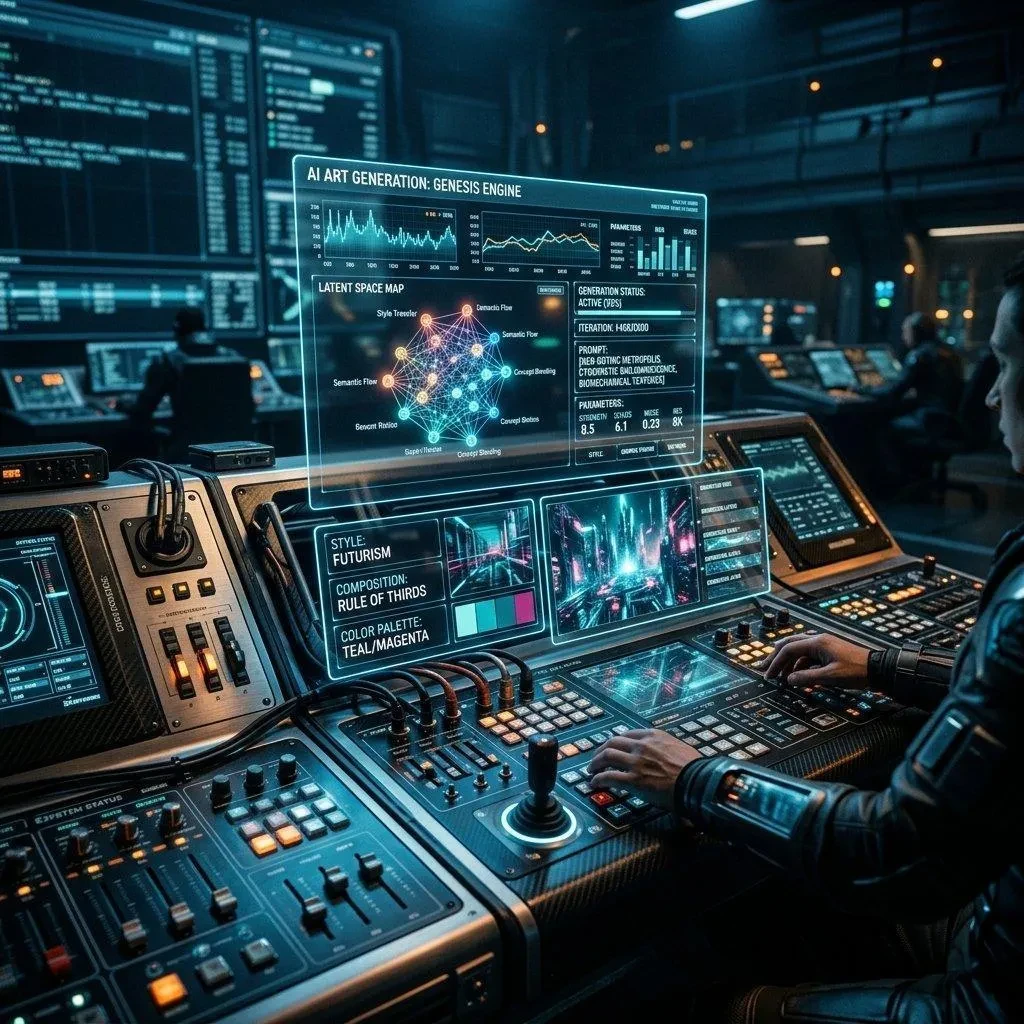
Anyone can type a basic description into Midjourney and get a decent result. But if you want stunning, precise, and reproducible AI art, you need to understand the deeper mechanics of Midjourney prompt engineering. These 15 advanced tips will transform how you approach AI image generation.
1. Use Double Colons (::) for Multi-Prompts
The double colon separator allows you to assign weights to different parts of your prompt. For example: forest::2 city::1 tells Midjourney to emphasize the forest twice as much as the city. This is one of the most powerful advanced Midjourney techniques for controlling composition.
2. Master the --stylize Parameter
The --stylize (or --s) parameter controls how strongly Midjourney's aesthetic training is applied. Values range from 0 to 1000. Low values (0–100) produce literal interpretations; high values (750–1000) create highly stylized, artistic results. Default is 100.
3. Leverage --chaos for Variation
The --chaos parameter (0–100) controls result variety. At 0, results are predictable and consistent. At 100, you get wildly different, unexpected interpretations. Use high chaos values for creative exploration and low values for precise, repeatable outputs.
4. Use Image Prompts as Style References
You can add image URLs at the beginning of your prompt to use them as visual references. Combine with --iw (image weight, 0–2) to control how strongly the reference image influences the output. This is essentially an image to prompt workflow in reverse — feeding your visual inspiration directly into Midjourney.
5. The --no Parameter for Negative Prompting
Use --no to exclude specific elements. For example: beautiful mountain landscape --no snow clouds fog. This gives you fine-grained control over what appears in your generated image.
6. Aspect Ratio Control with --ar
Always specify your desired aspect ratio. Common values: --ar 16:9 for widescreen, --ar 9:16 for portrait/mobile, --ar 1:1 for square, --ar 4:3 for classic. The aspect ratio dramatically affects composition and storytelling.
7. Style Reference with --sref
In Midjourney v6+, use --sref [image URL] to apply the style of a reference image to your generation. Combine with --sw (style weight 0–1000) to control intensity. This is perfect for maintaining brand consistency.
8. Character Reference with --cref
The --cref [image URL] parameter maintains character consistency across generations. Pair with --cw (character weight 0–100) to preserve just the face (low values) or the entire character (high values).
9. Use Permutation Prompts for A/B Testing
Generate multiple variations simultaneously using curly braces: a {red, blue, green} dragon in a {forest, city, ocean}. This creates 9 unique prompts at once, perfect for rapid exploration.
10. Seed Values for Reproducibility
Use --seed [number] to reproduce similar results. Same seed + same prompt = nearly identical output. This is invaluable when you want to iterate on a successful generation.
11. Quality Settings with --quality
The --quality (or --q) parameter ranges from 0.25 to 2. Higher values use more GPU time for finer details. Use --q 2 for your final outputs and --q 0.5 for rapid prototyping.
12. Tile Parameter for Seamless Textures
Add --tile to create seamlessly repeating patterns. Perfect for backgrounds, textures, and fabric designs. Works best with abstract and pattern-focused prompts.
13. Lighting Descriptors That Transform Results
Specific lighting keywords dramatically change the mood: volumetric lighting, golden hour, blue hour, rim lighting, bioluminescent, chiaroscuro, studio lighting, natural diffused light. Always include a lighting descriptor for professional-quality results.
14. Camera and Lens Specifications
Treat Midjourney like a camera: specify shot type (close-up, wide shot, aerial view), lens (85mm portrait lens, fisheye, macro), and camera (Sony A7R IV, Hasselblad, ARRI Alexa). These technical details massively improve photorealistic results.
15. Use PromtStudio to Reverse-Engineer Great Prompts
The fastest way to learn advanced Midjourney prompt engineering is to study prompts that work. With PromtStudio's AI image to prompt converter, you can upload any Midjourney output or inspiration image and instantly get the optimized prompt behind it — complete with parameters, style descriptors, and technical specifications.
Combine These Tips for Maximum Impact
The real power comes from combining these techniques. A master-level Midjourney prompt might look like: "hyperrealistic portrait of a warrior::2 ancient armor::1, golden hour rim lighting, 85mm lens, shallow depth of field, --ar 2:3 --s 750 --q 2 --seed 42". Each element is deliberate and purposeful.
Ready to generate prompts at this level without the guesswork? Try PromtStudio free and let AI reverse-engineer the perfect prompt from any image you admire.